Zen Word is a free, offline word-finder where you connect letters to uncover 20 hidden words per level, with no timer and no rush. It holds a 4.8 rating over 50M+ installs and wraps the puzzles in calm nature scenes and quiet music. The wordplay is genuinely relaxing, but the ad load is heavy enough that it is the one thing nearly every complaint mentions.
At a glance
- Developer
- Oakever Games
- Platforms
- Android, iOS
- Players
- Single-player
- Language
- English
- Cost
- free
- Offline
- Yes
- Daily puzzle
- Yes
- Best for
- Casual
What we liked
- More than 6,000 word puzzles that keep growing in difficulty
- No timers, so you solve at your own pace
- Plays fully offline and syncs progress across devices
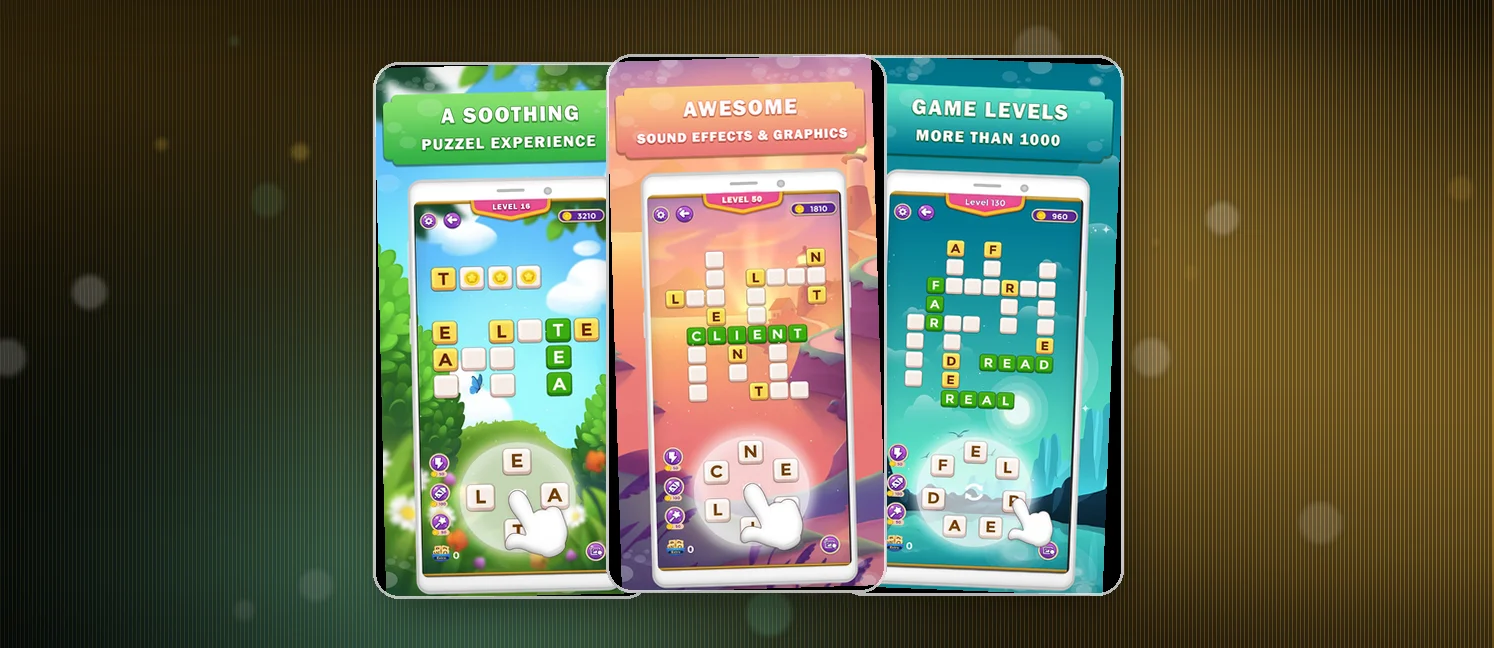
- Relaxing nature scenes and tranquil background music
What we didn't
- Ads fire after nearly every level and can be hard to close
- Launch-time pop-ups pile up before you can play
- Occasional freezes and restarts on some devices
What is Zen Word?
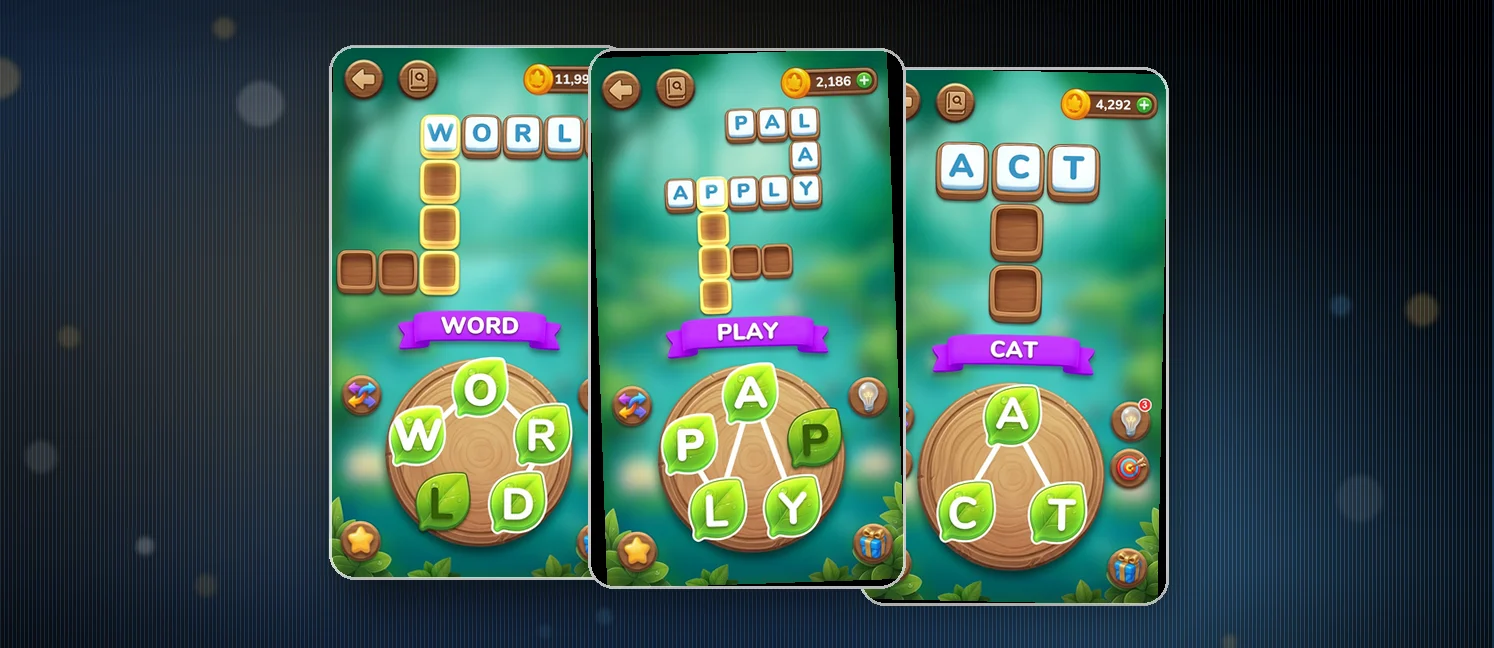
Zen Word is a free Android word puzzle from Oakever Games that turns spelling into a chill scavenger hunt. Each level hands you a letter board and a set of hidden words, and your job is to connect letters to find them all. It cleared 50 million installs and sits at a 4.8 rating.
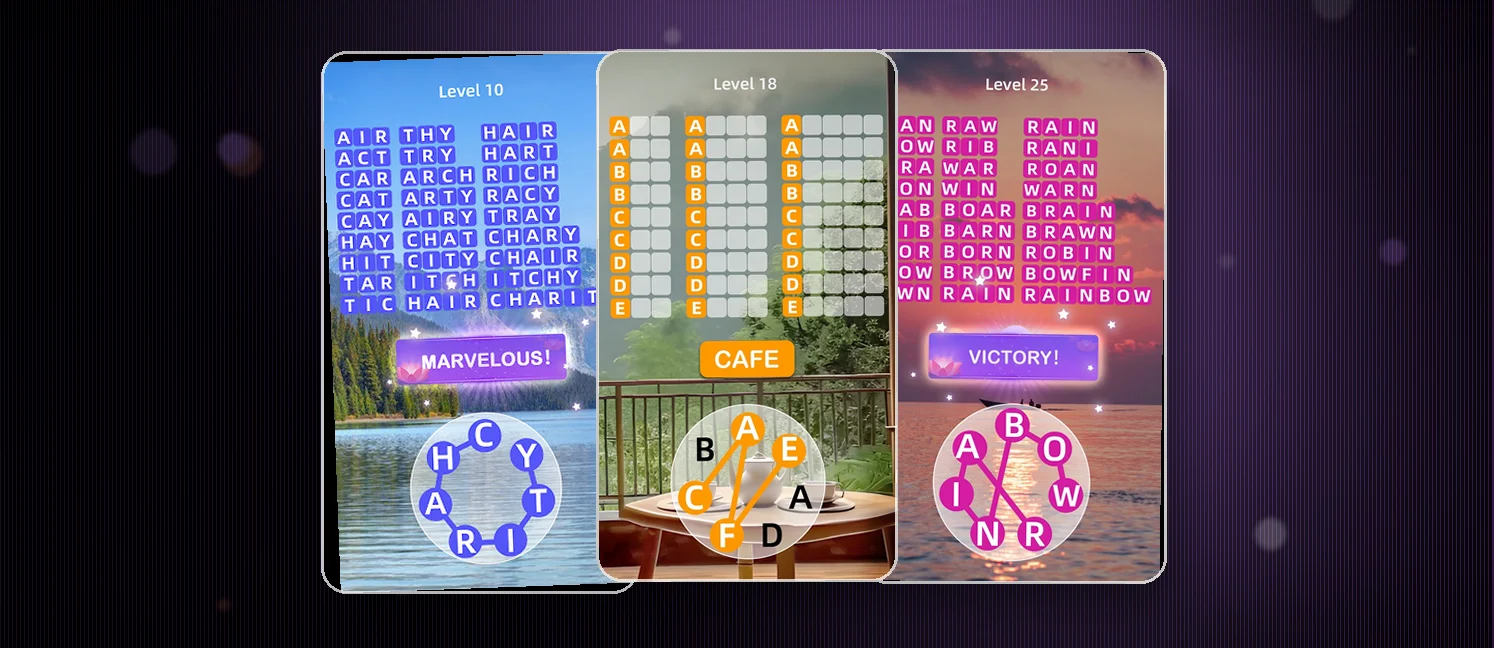
The clue is only word length. You never see the word, only how many spaces it fills, and that alone makes each board bite. All words stay uncrossed, a quiet twist. The package leans into calm, with nature backgrounds, easy music, and no clock anywhere.
Difficulty climbs as you move. Earlier words stay simple while the ones you still need get harder as the board empties. Daily rewards ride along, and progress syncs across devices.
How to win?
You win by finding all of them. Connect letters to spell each word into its word-length slot, and clear all 20 to pass.
- Scan and connect letters to spell each hidden word
- Use word length as your only clue to narrow the options
- Clear all 20 words to finish the level
- Load in daily to stack the bonus rewards
Rules
Rules stay light on purpose. No timers and no rush are the point, so the game sits as pure word-finding at your own speed.
- Find all 20 hidden words each level to pass
- Word length is your only clue, so spelling skill carries you
- Letters connect in and around the board, all of them uncrossed
- Nothing forces a wrong word in, so you can guess without fear
- Later levels demand longer and rarer vocabulary
Scoring Pattern
Progress comes from clearing boards, and the difficulty nudges forward as you go. The pattern holds steady even as the words grow harder.
- You need all 20 words per level, not points, to advance
- Resolve the hidden words first since unsolved ones climb in difficulty
- Daily rewards bank bonus help for regular logins
- Special levels break the pattern with rarer, tougher words

What Players Say
The store aggregate reads strong, 4.8 across more than 50 million installs, but the recent reviews tell a fuller story. About a quarter of the posts are five-star praise for the calm feel, the brain sharpening, and the fit for kids and learners from about age 5 through 18.
The ads dominate the rest. Nearly half of the posts name them as the main brake, one after almost every level, some with no clear close button and others long enough to stall the phone. A smaller slice reports launch pop-ups and freezes, and a few players say short words stay on the board deep into the run.
On the App Store it holds 4.9 out of 5 from 477,076 ratings, and the recent iPhone reviews we sampled lean mixed (about 13% at 4 stars or higher). Where both stores agree — usually on ads, difficulty, or polish — treat it as the real consensus; where they differ, chalk it up to different player bases.
How to Set Up the Game
- Open Google Play and search for Zen Word, then install the free app
- Launch it and follow your first word find
- Connect letters to build your first words and clear the board
- Log in for your daily reward each visit so the bonuses stack
- Sync progress across devices and drop offline whenever network is tight
Is it on iPhone?
Yes — Zen Word® - Relax Puzzle Game is also on iOS as "Zen Word® - Relax Puzzle Game" by OAKEVER GAMES PTE. LTD., rated 4.9 out of 5 on the App Store. Your progress won't sync between the Android and iPhone versions unless the game offers its own account login, so treat them as separate installs.
- On iPhone instead? Grab "Zen Word® - Relax Puzzle Game" free from the App Store — same game, separate install.
FAQ
Is Zen Word free?
Yes, you download and play it at no cost. Ads keep it free and there are optional payments to remove them, but the puzzles themselves never charge money.
Can I play Zen Word offline?
Yes, and it is one of the selling points. You connect letters with no signal at all, and progress syncs back once you are online.
Is it good for kids?
Mostly yes. Reviewers say it helps kids from about 5 through 18 build vocabulary and stay sharp, which makes it a solid pick for the car or the class. The main watch point is the ad rate and launch pop-ups, so parents may want to supervise or use the ad-free option.
Is Zen Word® - Relax Puzzle Game available on iPhone?
Yes — it's on the App Store as "Zen Word® - Relax Puzzle Game", rated 4.9 out of 5 there.
Tips from the Geeks
- Start with the short words. Word length is your only clue, so lock in the two-and-three-letter finds early
- When a word stalls, scan for common prefixes like un- and re-, since the tougher ones lean on them
- Pair your high-visibility vowels with frequent consonants when the board looks picked clean
- Collect the daily reward on a regular sign-in; reviewers note the bonuses stack
- Forecast the ad pinch and mute or close pop-ups at launch so the calm stays calm