WordBrain is a clever swipe-and-connect word game from MAG Interactive. The logic bites, the daily puzzle builds a real streak habit, and the custom-puzzle sharing keeps it alive. Just weigh the frequent, intrusive ads before you commit.
At a glance
- Developer
- MAG Interactive
- Platforms
- Android
- Players
- Multiplayer
- Language
- English
- Cost
- free
- Offline
- No
- Daily puzzle
- Yes
- Best for
- Casual
What we liked
- 1,700+ steadily growing puzzles in one package
- Daily puzzle and streaks reward consistent play
- Swipe-the-words logic feels genuinely brain-working
- Custom puzzles let you build and share your own levels
What we didn't
- Frequent mid-game ads interrupt the flow
- Rigid single-answer logic rejects valid alternate words
- Early levels feel easy for experienced word solvers
What is WordBrain?
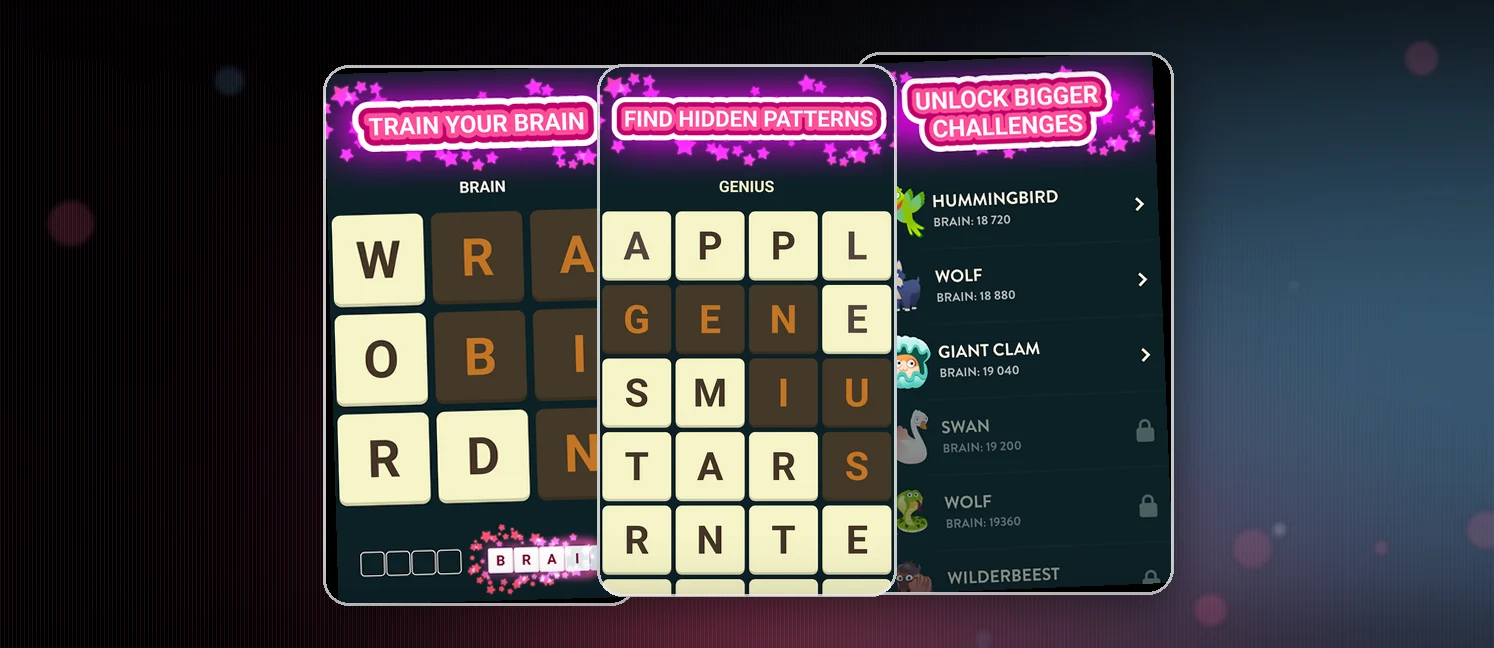
WordBrain is a swipe-to-connect word game from MAG Interactive, the team behind Ruzzle and Word Domination. It blends word search, crossword, and logic-puzzle ideas onto one screen. It holds a 4.4 Google Play rating with 10M+ installs and is free, with in-app purchases for hints and currency.
The game ships 1,700+ puzzles, supports 15 languages, and runs a daily Puzzle of the Day. You can also design your own levels and share them, and there are no time limits anywhere.
How to win?
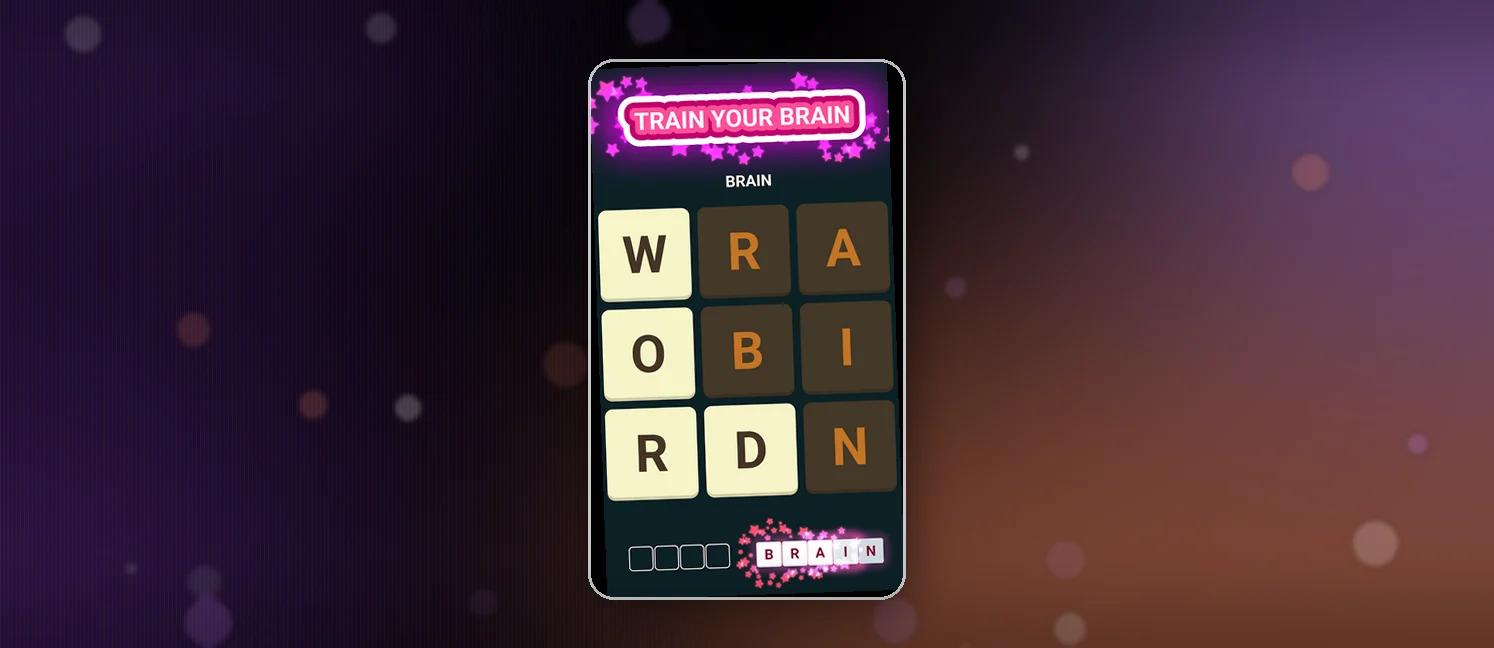
You win by finding every word on the board in the correct order. Swipe across adjacent letters to spell a word, and when it's right, it locks in. Clear all the target words for the level and you move on. The twist is the order: solving the same word in the wrong sequence stalls you, so logic does as much work as vocabulary.
- Swipe letters in any path to connect them into a word.
- Read which word comes next, because each level fixes the order.
- Every level is solvable with no time pressure, so think, then swipe.
Rules
The rules stay light. Swipe letters to form words, and find them all in the correct sequence to clear the board. Hints are optional, and nothing rushes you.
- Swipe adjacent letters to connect them into a word.
- Find every word on the board in the correct order to clear the level.
- Hints are optional if you need a nudge.
- No time limits, so a stalled board can be stared at forever.
- Special tiles and seasonal themes add variety without new rules.
Scoring Pattern
WordBrain hands no points for a single swipe. Progress comes from clearing levels, keeping your streak alive, and earning in-game currency that buys hints and boosters. Events still throw in rewards that carry back to the main game.
- Your daily streak grows each day you finish the Puzzle of the Day.
- Word Events pay out boosters, hints, and bragging rights.
- Currency buys hints rather than score, which eases tough levels.
- Clearing levels is the real goal, and it resets on a reinstall.
What Players Say
Player sentiment splits on one loud fault line: the ads. A healthy majority of four and five star reviews praise a brain that gets worked, sharpened with practice, and folded into a daily habit. Many reviewers play a few minutes every day, some crossing the 100-day streak mark, and treat the routine as a reflex.
The frustration centers on interruptions. Reviewers describe ads that pop mid-puzzle, repeat the same offer, and even force an app restart, with a few ready to uninstall. A smaller group flags a rigid single-answer system that rejects valid alternatives like salt-versus-slat, plus easy early levels and lost progress when switching phones.
How to Set Up the Game
- Install WordBrain free from Google Play, no account needed.
- Swipe a few opening levels to pick up the connect-and-order rhythm.
- Try the Puzzle of the Day to feel out the streak habit.
- Check the hint and currency options early, since ads arrive quickly.
FAQ
Is WordBrain free?
Yes, the download and full game are free. In-app purchases cover hints and currency, and the game uses ads as its main monetization. You can play without spending, but you'll trade that for interruptions.
Does it work offline?
WordBrain isn't advertised as an offline game, so plan on a connection. Ads, events, and the daily Puzzle of the Day all lean on being online, and with no official offline mode you shouldn't count on detached play.
Is it good for kids?
Yes, for the word work. Swiping letters into words with no timer is a solid, sweat-free vocabulary builder. The sticking card is the ads, which interrupt play and occasionally chase app installs, so a parent may want to supervise or lean on offline sessions.
Tips from the Geeks
- Don't chase any answer in isolation; spot the sequence the board wants and treat the level as a chain.
- When alternate words get rejected, take the board's expected answer and move on.
- Spend a hint only after you've mapped a few connections; they're finite.
- If you'd rather not buy hints, watch the ads for them instead, several reviewers run that trade.
- Connect vowels to anchor a word, then fill consonants around them to speed up long boards.
- Keep the daily puzzle alive; that streak is the easiest steady return in the game.