Word Search Journey: Find Word is a free word search from Solitaire Card Studio rated 4.8 on Android with 500K+ installs, and the same game on iPhone as Word Search Journey: Find Word by GrabJoy Limited holds a 4.9 across 10,441 App Store ratings. The travelling theme and offline mode are a sweet combo for casual play. The trade-off is a wall of ads between boards, even after buying the ad-free pass on some devices.
At a glance
- Developer
- Solitaire Card Studio
- Players
- Single-player
- Language
- English
- Cost
- free
- Offline
- Yes
- Daily puzzle
- No
What we liked
- Massive 10,000+ level count with a travel theme that keeps the world feeling fresh
- Full offline play on Android and iOS, no Wi-Fi needed
- Generous hint tools and power-ups when you get stuck
- Calm, timer-free pace that fits a five-minute break
What we didn't
- Ads sit between almost every board, and some users still see them after buying the ad-free pass
- Bonus word hunts and rewards add pressure to a game that markets itself as relaxing
What is Word Search Journey: Find Word?
Word Search Journey: Find Word is a free word search from Solitaire Card Studio built around one big idea: take the classic letter grid, dress it up as a world tour, and let players wander through beautiful destinations while they hunt for words. On Google Play it carries a 4.8 rating with 500K+ installs, and the same game is also on iPhone under the same name, published by GrabJoy Limited, where it holds a 4.9 across 10,441 App Store ratings.
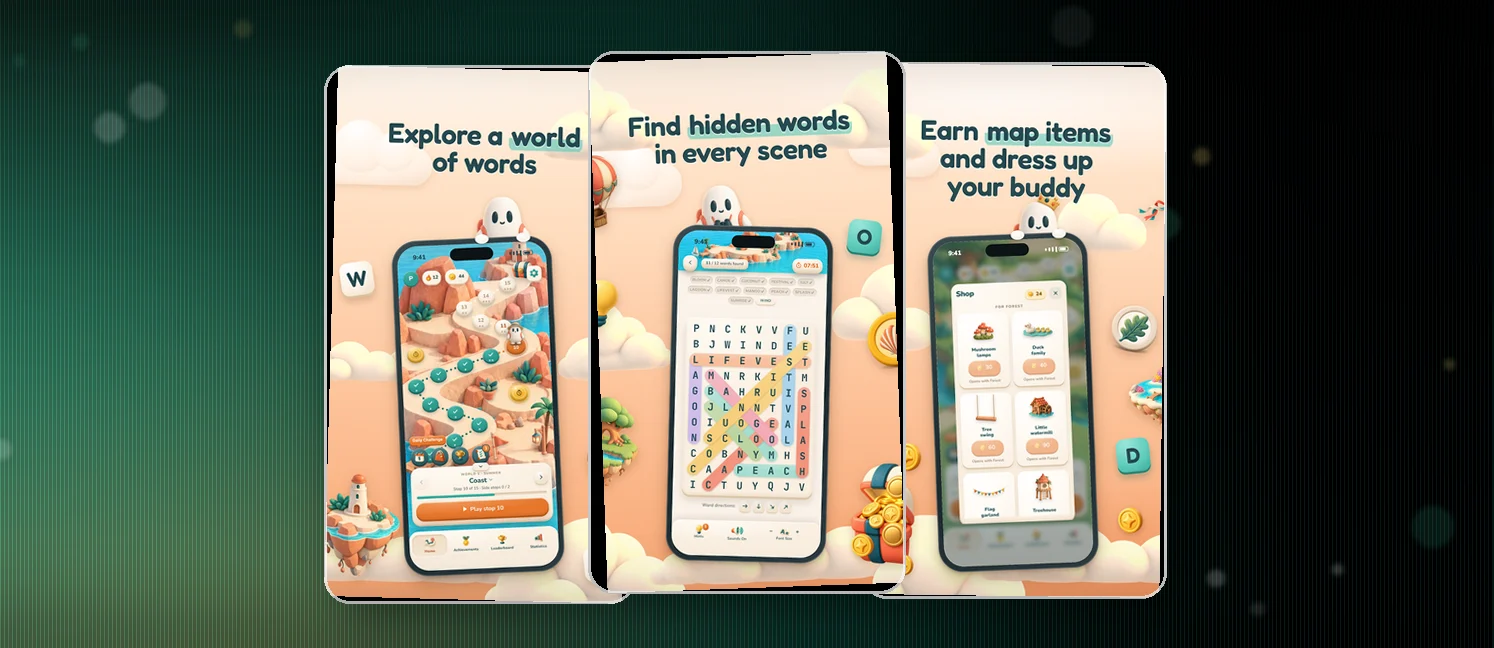
You swipe across letter boards to find hidden words tied to a common theme, from food to geography to pop culture. Each destination drops a badge in your collection, so the meta-game is a quiet scrapbook of places you have visited through your vocabulary.
The full download runs more than 10,000 levels, plays offline on both stores, and offers boosters and hint tools when you stall. Free with ads is the entry point, and a one-time payment removes them for players who want an unbroken calm.
How to win?
Each board is a self-contained win: clear every target word on the list and the level flips to the next destination on your journey. Push through the levels and the difficulty curve tilts upward.
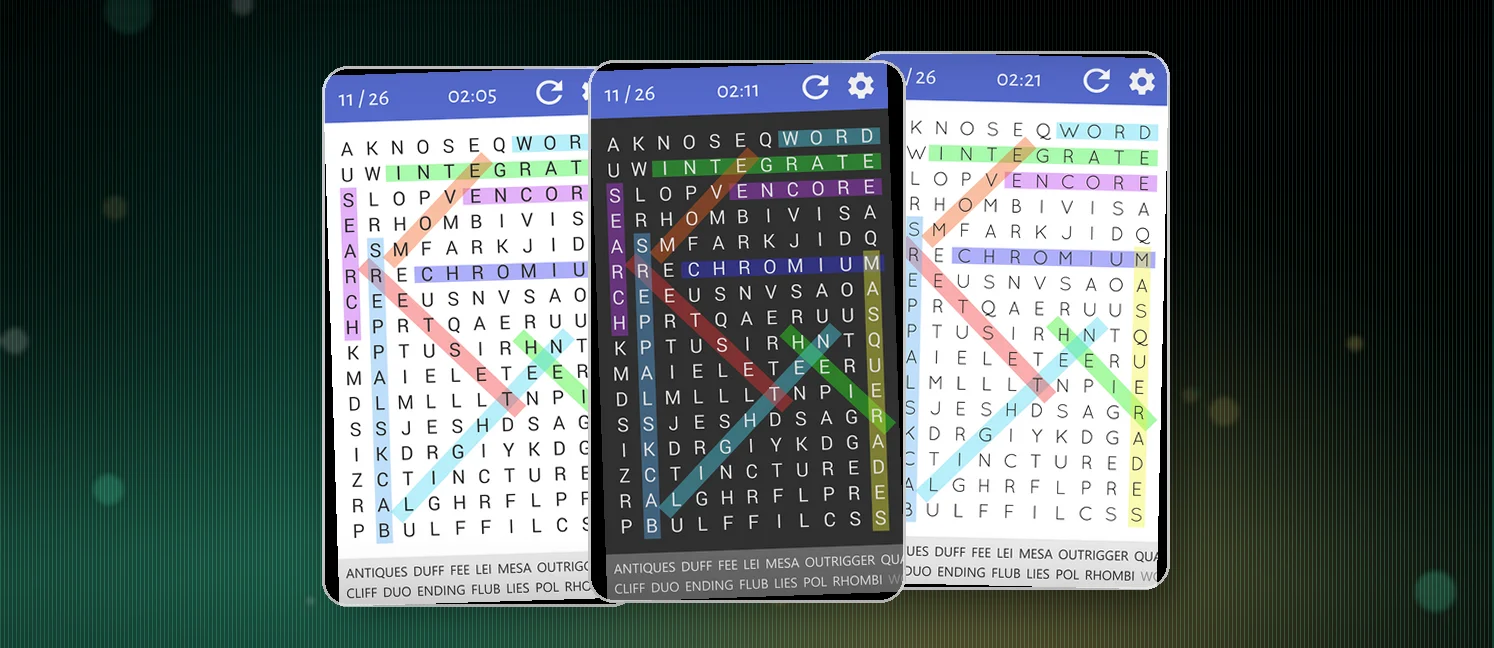
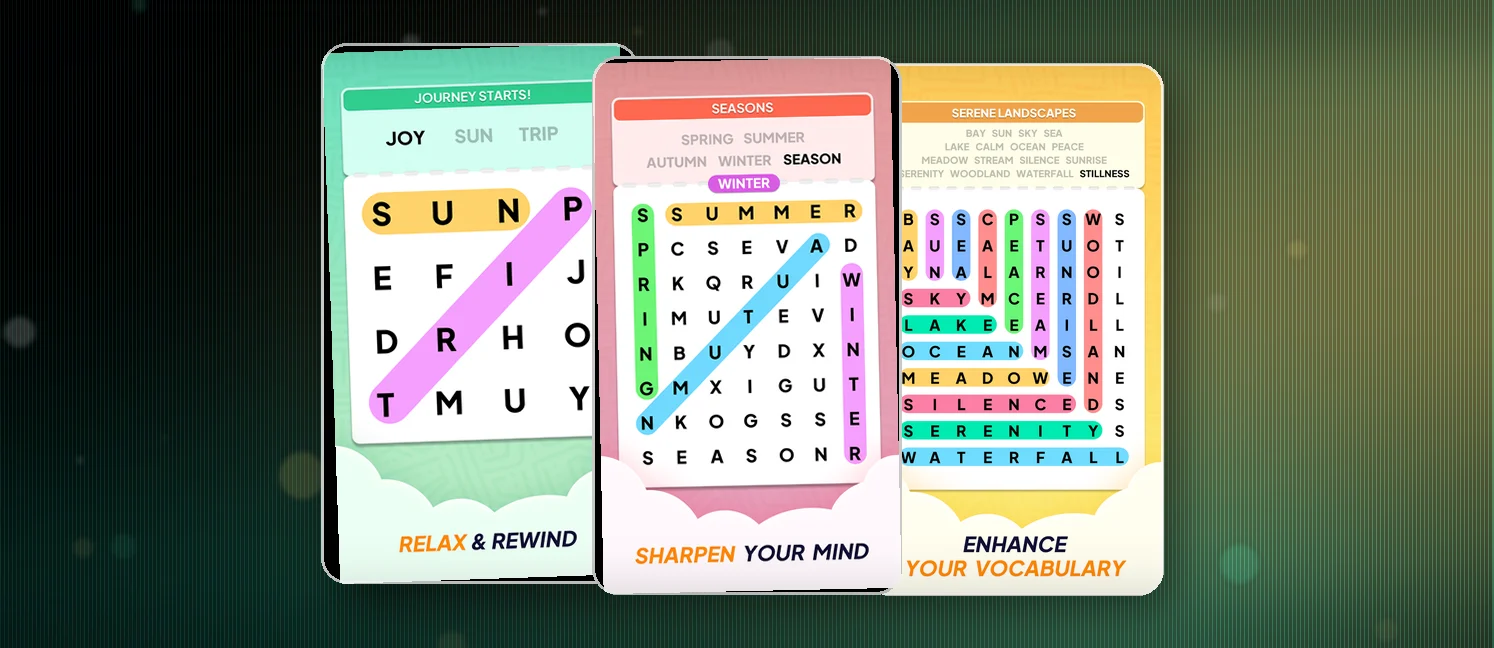
- Find every target word on the grid by swiping across the letters in any direction
- Clear the full list to bank coins, badges, and your ticket to the next destination
- Spend coins on hints and power-ups rather than saving them, since the level count outpaces any savings plan
Rules
The rules stay classic word search, dressed up with travel flair.
- Target words hide horizontally, vertically, diagonally, and sometimes backwards
- Swipe a finger across letters in a straight line to mark a word
- Finish the full target list to clear the board and unlock the next destination
- Spot bonus words not on the list to bank extra coins and rewards
- Use the hint button or power-ups when a word refuses to show up
Scoring Pattern
No leaderboards, no speed runs, and no global rankings. The score is your collection of badges and the coins you bank as you sweep through boards.
- Every target word clears part of the board and contributes to your level completion
- Bonus words hidden beyond the targets pay out in coins
- Coins fund hints, power-ups, and extra content as you progress
- Achievement rewards stack up over time, so long sessions build a satisfying haul

What Players Say
Reviews lean heavily positive on both stores, with the App Store crowd calling it calming, easy to drift through, and a real find for anyone who wants a quiet word game before bed. Several players praise the visuals, the geography and history baked into the themes, and the smooth learning curve, while parents say the large print and clear graphics make it a fit for younger kids learning to spell. A few users also mention the iOS version being linked to rewards apps and Fetch points, which fits the relaxed feel.
The complaints cluster around ads. Reviewers describe 30-second spots that interrupt almost every board, ad breaks popping up the moment you highlight a word, and frustration when ads return even after buying the ad-free option. A second thread flags bonus-word pressure, where the game markets itself as relaxing but quietly nags you to chase extra words. On the Android side a handful of one-star posts call the install flow a demo, and a few users say an update wiped their progress. Most complaints, though, are monetization in different costumes, and the search itself earns consistent praise.
How to Set Up the Game
- Download Word Search Journey: Find Word from Google Play on Android or the App Store on iPhone
- Open the game, accept the permissions prompt, and pick a starting destination on the world map
- Tap the first board on your route to load the letter grid and the day's target word list
- Swipe across letters in a straight line to mark words, vertical, horizontal, diagonal, or backwards
- Tap the hint button if a word refuses to show up, then check the Settings menu for language, sound, and the ad-free upgrade
Is it on iPhone?
Yes — Word Search Journey: Find Word is also on iOS as "Word Search Journey: Find Word" by GrabJoy Limited, rated 4.9 out of 5 on the App Store. Your progress won't sync between the Android and iPhone versions unless the game offers its own account login, so treat them as separate installs.
FAQ
Is Word Search Journey: Find Word free to play?
Yes. The game is free to download on both Android and iOS, with an optional one-time in-app purchase to remove ads for players who want an uninterrupted session.
Can Word Search Journey: Find Word be played offline?
Yes. Once installed, the game runs fully offline, so the level packs and your saved progress work on a plane, a commute, or anywhere you skip Wi-Fi.
Is Word Search Journey: Find Word good for kids?
It works well for kids thanks to the large print, simple swipe controls, and gentle difficulty curve. Parents in the reviews say it has helped their children with spelling, and the theme vocabulary gives a soft learning boost on top of the fun.
Tips from the Geeks
- Scan for vowels first, since A, E, I, O, and U anchor most short words on the board
- Hunt the longest target word early, because crossing it usually lights up a second or third word for free
- Read each row and column backward, since the game tucks in reversed words and they cost time if you only look forward
- Spend coins on hints at the end of a long session rather than the start, so a tough board never stalls your streak
- Pair the game with a rewards app like Fetch for passive points while you play, which several App Store reviewers already do