Word Leaf: Crossword Puzzle is a low-pressure swipe-spelling game that leans hard into cozy vibes and offline play. The level design stays friendly well into the early game, though a thin dictionary and a clunky late-game interface drag the score down. Free to download with ad support, best suited to casual players who like word searches more than real crosswords.
At a glance
- Developer
- Adaric Ltd
- Platforms
- Android
- Players
- Single-player
- Language
- English
- Cost
- free
- Offline
- Yes
- Daily puzzle
- Yes
- Best for
- Casual, Kids & family
What we liked
- 1,000+ levels with a gradual difficulty curve
- Fully offline, no Wi-Fi needed
- Calm nature theme with gentle sound design
- Free to play with no timer pressure
What we didn't
- Dictionary misses common words
- Late-game interface gets fiddly on bigger leaves
- Ad frequency rises as you progress
What is Word Leaf: Crossword Puzzle?
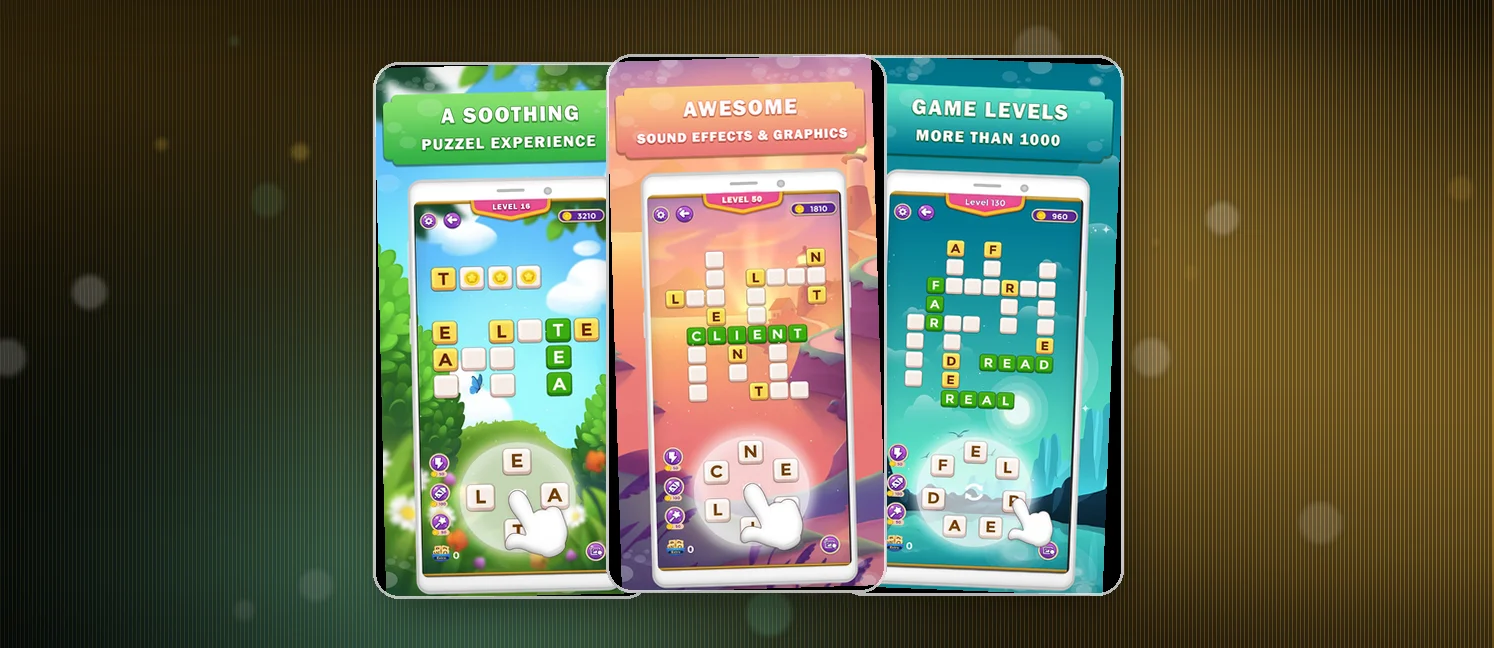
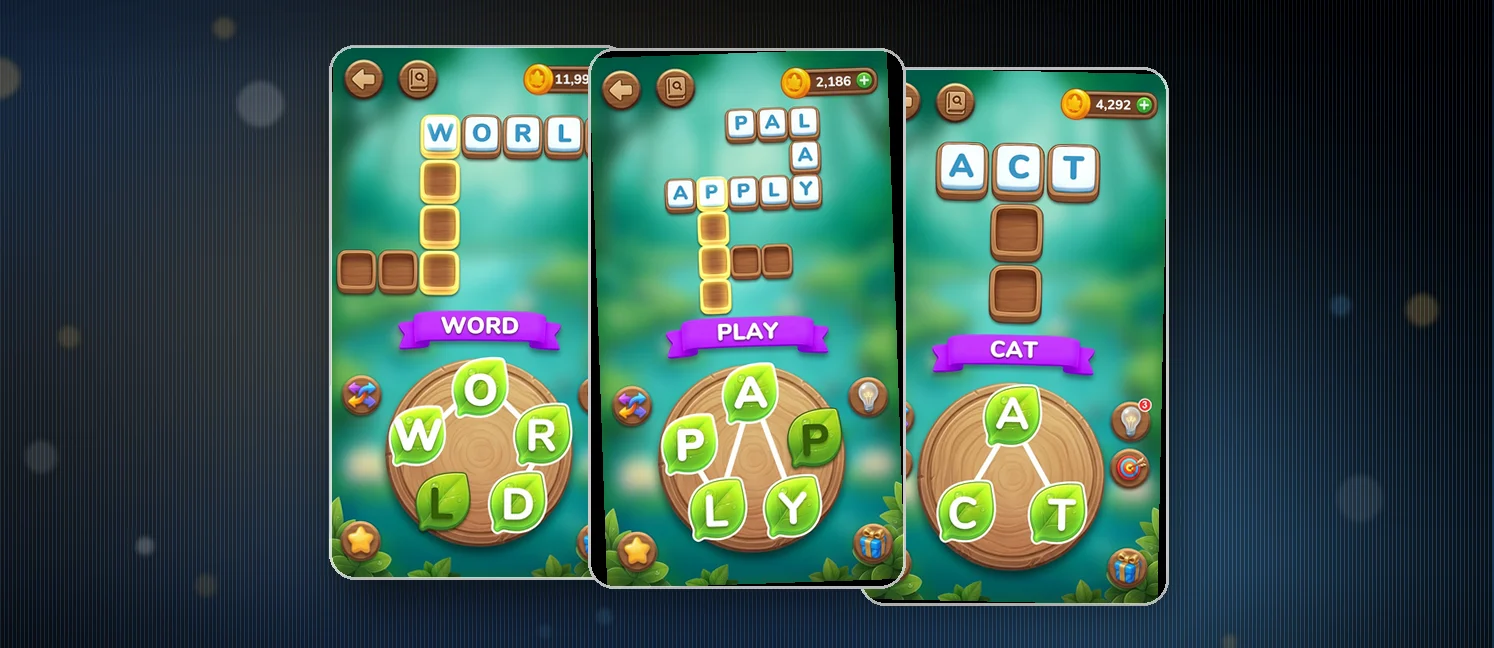
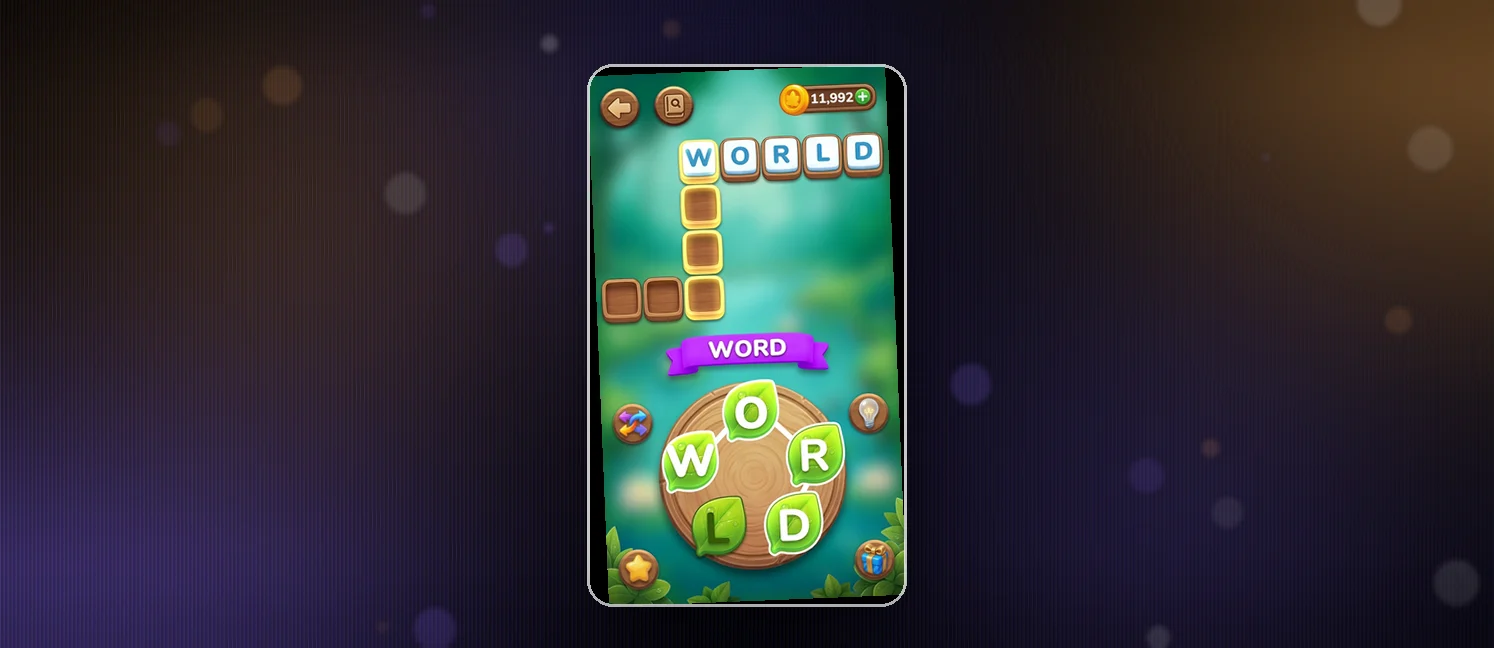
Word Leaf: Crossword Puzzle is a swipe-to-spell word game from Adaric Ltd, sitting at a 4.8 rating on the Play Store with 10K+ installs. Each puzzle presents a cluster of letters arranged on a leaf-shaped grid, and you drag your finger across them to form words and fill crossword-style slots.
The pitch is calm rather than competitive. There is no timer, no clock ticking down on a streak, and the soundtrack leans into soft nature sounds and ASMR-style chimes. You play it the way you play a cup of tea: a few minutes on the train, a few minutes before bed, then close it again.
How to win?
A level is done when every crossword slot is filled with a valid word. Beyond the required words, you can hunt the grid for extra words to grab bonus rewards.
Look for shorter words first to clear obvious letters
Save harder multi-word slots for after you have spotted the theme
Collect Extra Words on every board for bonus coins and daily rewards
Rules
The rules stay simple from level 1 to the late game.
Swipe across connected letters to form a word, then release
Each letter can only be used once per word
Every crossword slot must be filled to clear a level
Extra Words that do not fit a slot still count toward your reward
No timer means you can think as long as you want on a single board
Scoring Pattern
Your score on a level comes from how many words you find, not how fast you find them.
Every crossword word you fill in completes part of the puzzle and adds to your level reward
Extra Words found on the same grid stack bonus coins on top
Daily reward milestones track your streak across days
Boosters cost coins and stack the deck on harder puzzles
What Players Say
Sentiment across recent reviews leans positive, roughly 60% five-star, 25% three-star, and 15% two-star, with very few one-stars. The five-stars talk up the relaxing pace, the offline play, and the gentle learning curve for casual players who just want something to wind down with. Several mention gifting the game to a parent or partner.
The middle and lower ratings cluster around three recurring gripes. The dictionary is widely described as thin, with plenty of valid English words rejected by the Extra Words check. Players also flag a sharp jump in difficulty past the first hundred levels, where the bigger leaves and corner-letter swipes become genuinely fiddly. Ads come up in almost every negative review, usually described as frequent but not blocking.
How to Set Up the Game
- Open the Google Play Store on your Android device and search Word Leaf: Crossword Puzzle
- Tap Install and grant the standard permissions the installer requests
- Open the app and tap through the short tutorial so the game learns your swipe speed
- Pick a difficulty tier that matches your comfort, beginner if you want pure chill
- Turn on Do Not Disturb on your phone if you plan a long offline session
FAQ
Is Word Leaf free to play?
Yes. The base game is free to download and play. You will see ads between levels, and you can spend real money on coin packs and boosters if you want a shortcut on the harder boards.
Does Word Leaf work offline?
Yes. Once you have installed the game and pulled the latest content, you can play through levels with no Wi-Fi or mobile data. Daily online rewards will wait until you reconnect.
Is Word Leaf good for kids?
Yes for older children and tweens. The vocabulary skews easy to medium, there is no chat, and the slow pace suits younger attention spans. Parents should expect the same ad breaks that show up for adult players.
Tips from the Geeks
- Scan the grid for short three and four-letter words before chasing long ones, they often unlock corner letters you would otherwise miss
- Reuse a single vowel heavily: when you spot E or A in the cluster, build every word around it first
- Hit the daily reward every day, even a five-minute session keeps your coin streak alive
- If the interface fights you on a tricky swipe, lift and retry from a fresh starting letter instead of dragging through dead spots
- Save boosters for levels past 100 where the leaf gets crowded and small words hide in the gaps