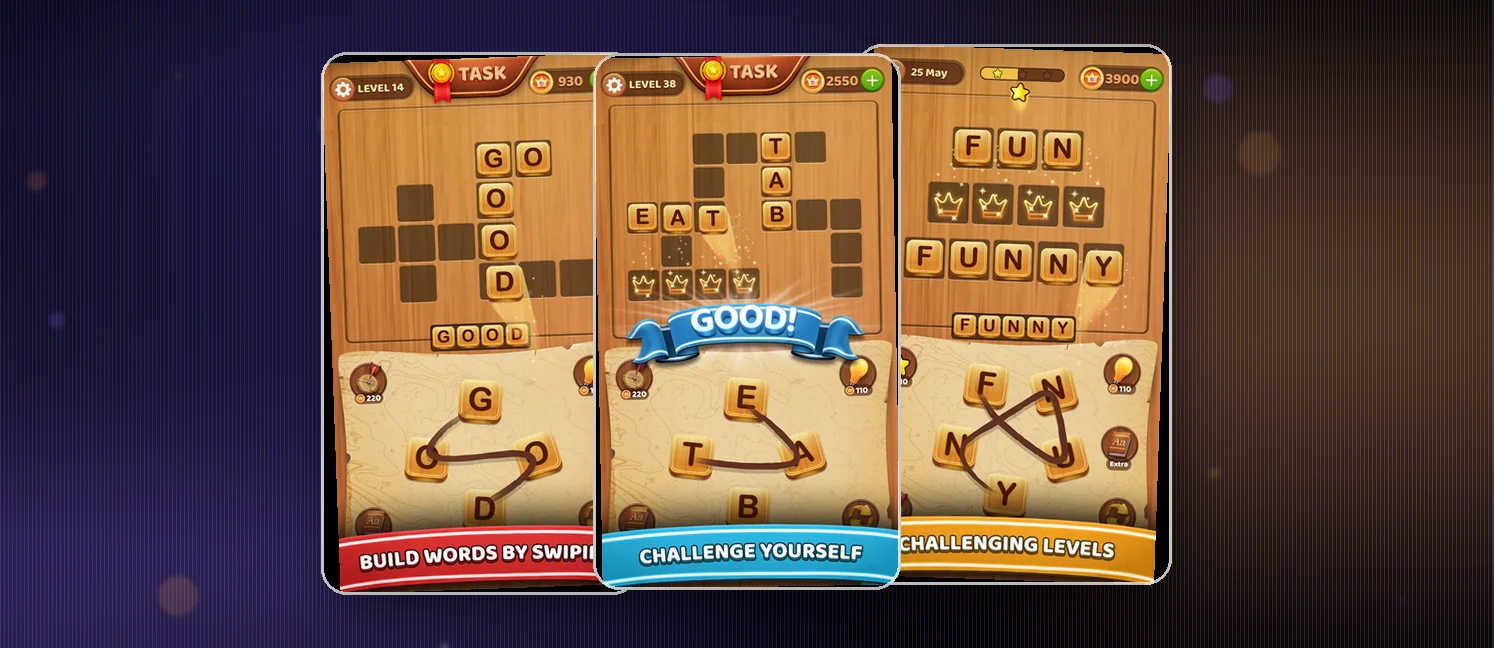
Word Connect - CrossWord is a generous word puzzler for Android: 10,000+ levels, offline play, and a real vocabulary workout in a crossword grid. The word list and family-friendly pace earn plenty of goodwill, but ads land before the first puzzle and between levels, which is why the 4.5 rating stops short of higher. Play it if you like word searches and can handle interruptions, or pay once to clear the ads.
At a glance
- Developer
- Poder Studio
- Players
- Multiplayer
- Language
- English
- Cost
- free
- Offline
- Yes
- Daily puzzle
- Yes
What we liked
- 10,000+ levels means the puzzle well never runs dry
- Plays fully offline with no time limit anywhere
- Swipe-to-find format is a fast, satisfying word hunt
- Genuinely useful for vocabulary and spelling
What we didn't
- Ads hit on launch and between levels, and plenty of players hate it
- Reward animations and a flashing task button bloat every transition
- Some players say real words get rejected while odd ones pass
What is Word Connect - CrossWord?
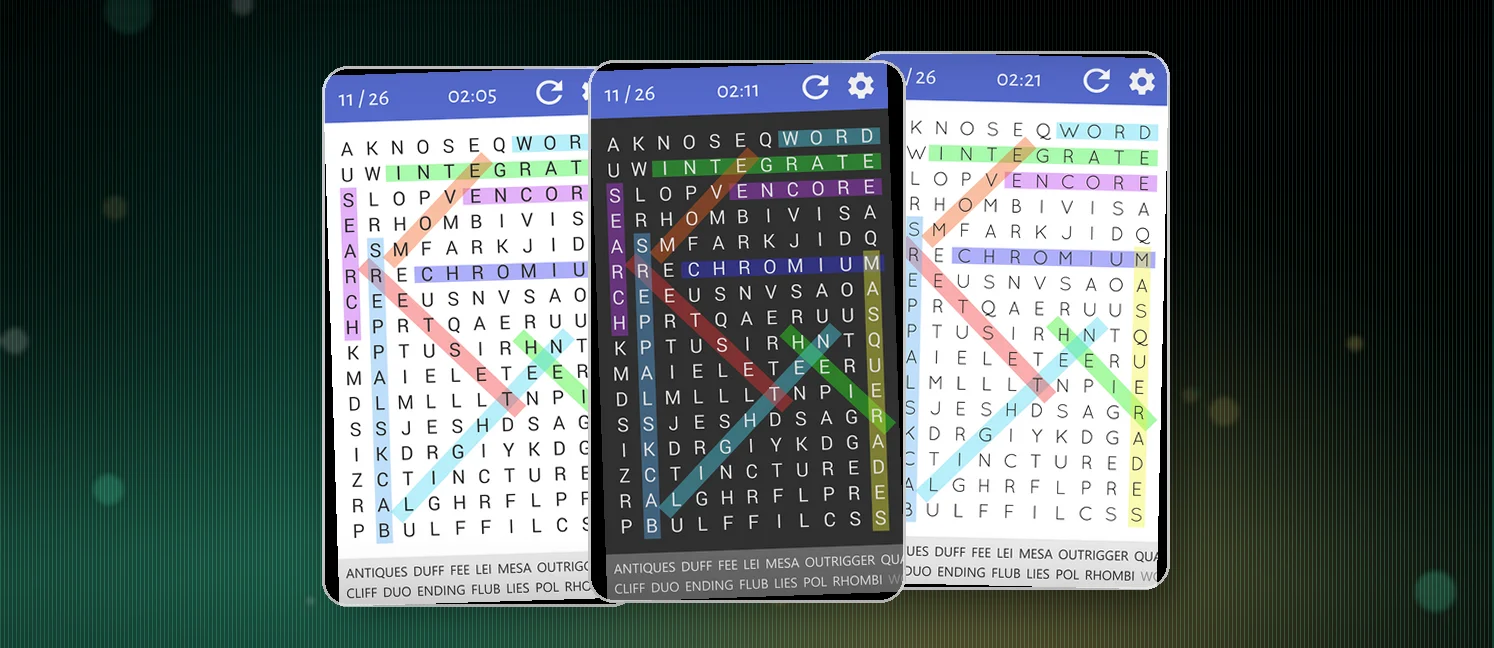
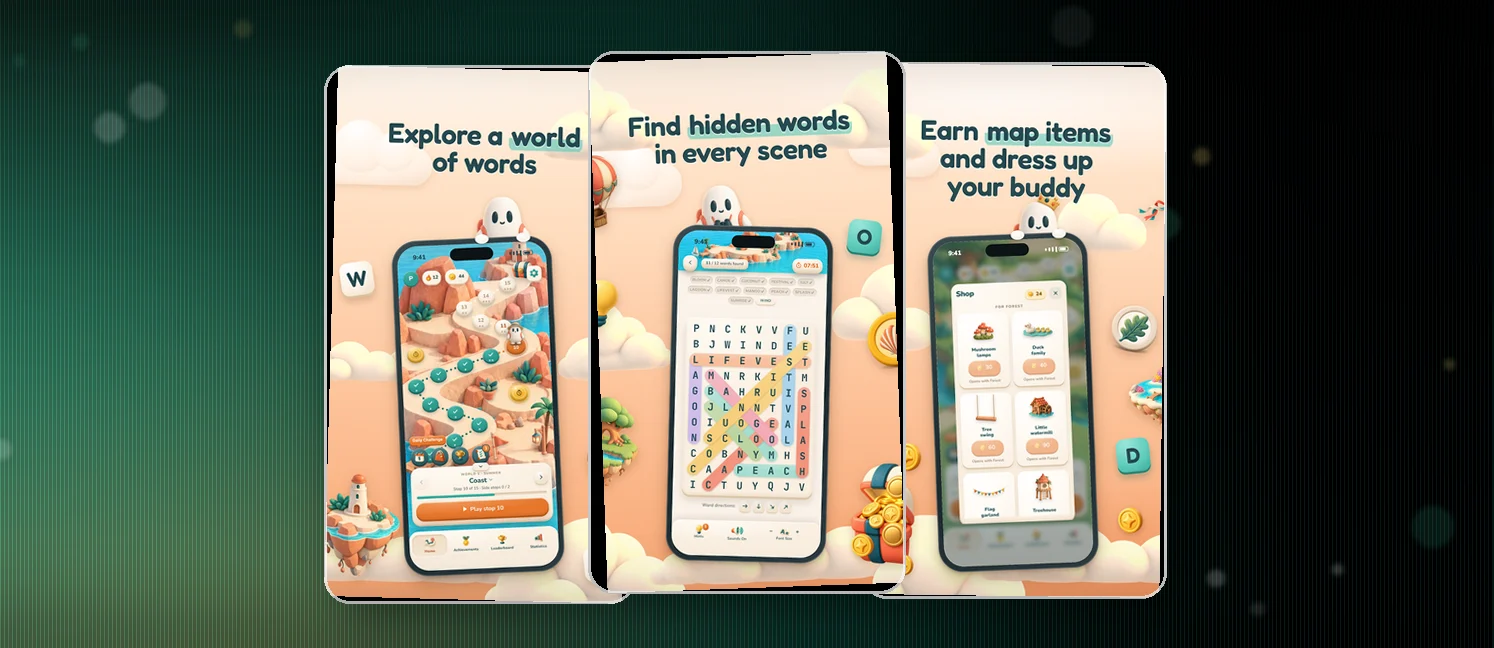
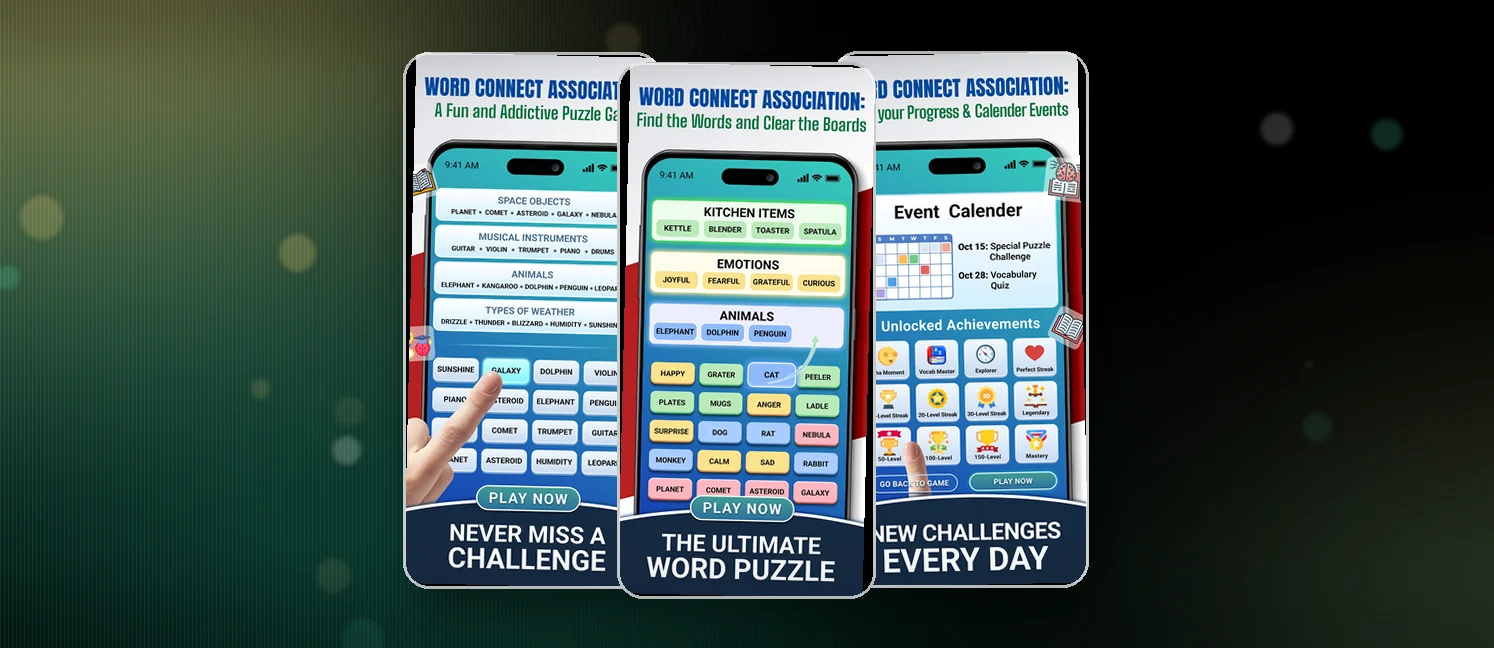
Word Connect - CrossWord is a free Android word puzzle from Poder Studio, holding a 4.5 rating with 500K+ installs. The listing pitches it as a word search in a crossword format. You swipe letters on a plate to find hidden words, then fill every block to clear the level.
The headline number is the level count: 10,000+ levels, plus daily bonuses, themed visuals, and tablet support. Nothing is timed, so a puzzle fits in a queue or passes around the table at family night.
Under the crossword framing this plays closer to a word search than a classic puzzle with clues and intersections. Faster rounds, less reading, more recall.
How to win?
You win a level by finding every word in the grid and filling every block. Extra words beyond the required set turn a clean solve into a bonus.
- Swipe connected letters on the plate to spell each hidden word
- Fill every block on the level to complete it and move on
- Collect extra words for bonus rewards on top of a clear
Rules
The rulebook is tiny, which is why this works as a pick-up-and-play game.
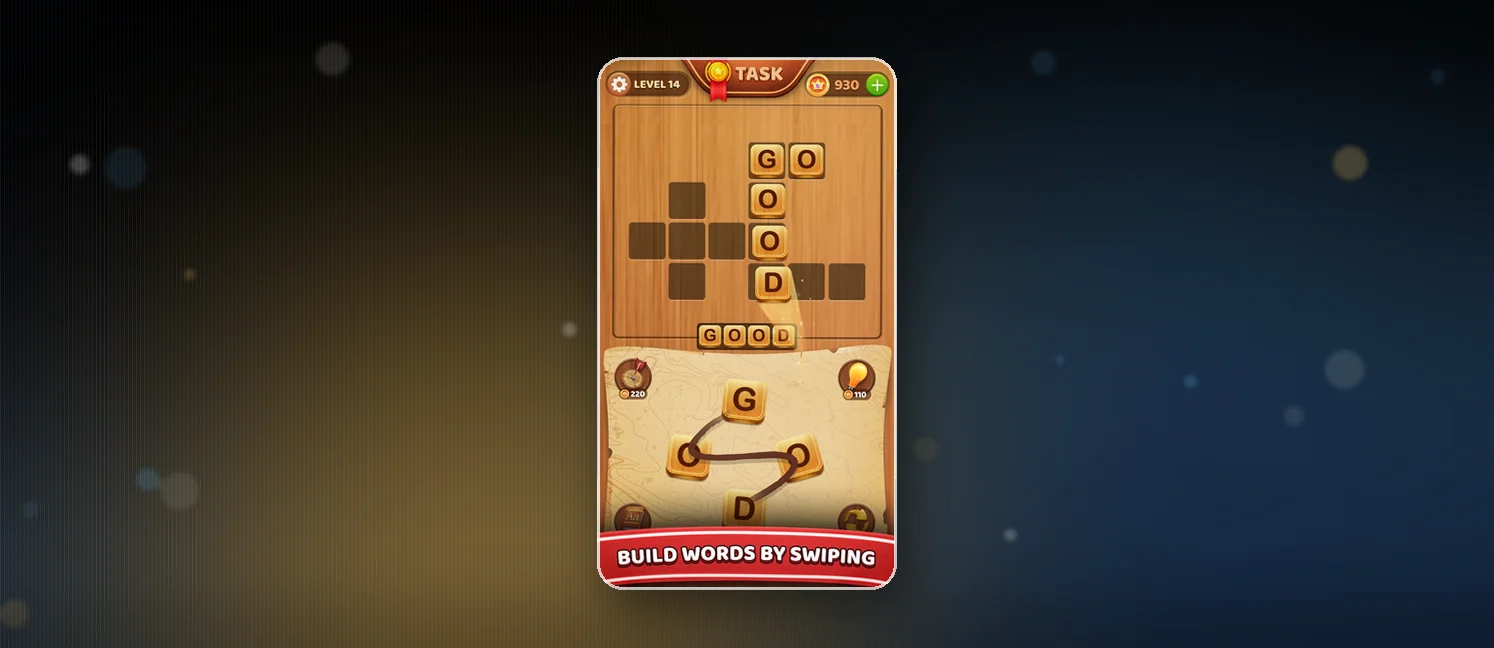
- Swipe letters on the plate to form a word, linking letters across the grid
- Tap Shuffle to reshuffle the letter order when a word hides in plain sight
- Tap Hints for a clue when you are one letter away from giving up
- Collect extra words to earn a bonus on the level
- No timer and no penalty for walking away mid-level
Scoring Pattern
Scoring rewards thoroughness rather than speed, because nothing here is timed. Clearing the grid is the baseline, and the bonus words on top are where the coins come from.
- Clearing every block completes the level and opens the next one
- Bonus words add extra coins on top of the base reward
- Daily bonus rewards and task coins hand out extra currency
- Coin packs and an ad-free account are sold as in-app purchases
What Players Say
Sentiment splits hard across the most recent Play reviews: about 36% at four or five stars, 27% on three, and 36% down at one. The praise lands on substance. Players like that it tests how much vocabulary they actually have, families name shared sessions a highlight, and one reviewer was deep into the 8000s before wiping the app by accident.
The complaint that keeps coming back is advertising. Players describe an ad arriving before the game even starts, spots eating screen space mid-puzzle, and enough interruptions to push some toward uninstalling. A second cluster grumbles about polish: loud GOOD and GREAT popups, a reward animation replayed between every level, a task button that flashes and shakes, and a spin wheel that ambushes idle players. A few also claim the word list is sloppy, accepting invented words while rejecting real ones.
How to Set Up the Game
- Open the Google Play Store on an Android phone or tablet
- Search for Word Connect - CrossWord and open the Poder Studio listing
- Tap Install, the download is small and quick
- Launch the app and expect an ad before the first puzzle
- Pick a level, swipe letters, and use Shuffle and Hints when stuck
FAQ
Is Word Connect - CrossWord free?
Yes, the download and the base game cost nothing. Ads pay for it, and the listing also mentions paid in-app items such as an ad-free account and coin packages. Plenty of players say the ad-free purchase is worth it.
Can you play Word Connect - CrossWord offline?
Yes. The listing confirms offline play with no time limits, so a plane or a dead signal is not a problem. All 10,000+ levels sit on the device once installed.
Is Word Connect - CrossWord good for kids?
Mostly yes. The content is clean, the pace is gentle, and families name shared sessions a highlight. Vocabulary practice dressed as a puzzle builds word skills nicely. The catch is the ad schedule, which makes it poor for unsupervised play by younger players.
Tips from the Geeks
- Look for two-letter connectors first, they reveal the grid's shape before you chase long words
- Stretch short runs with affixes like -ing, -ed and -ly to turn scrappy letters into words
- Shuffle when the board feels wrong, a fresh layout exposes words you read straight past
- Save hints for genuine dead ends and use them early on stubborn word lists
- Claim the extra words, bonus finds are where most of the coins come from