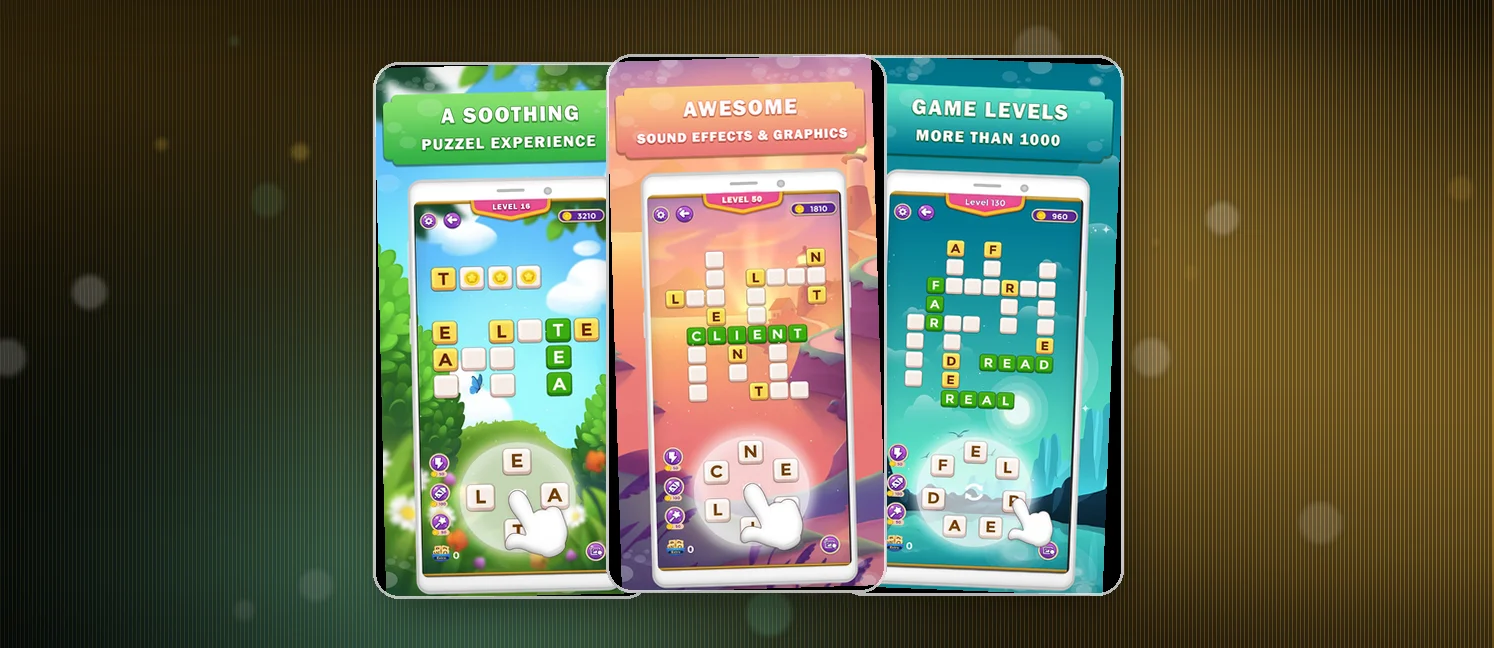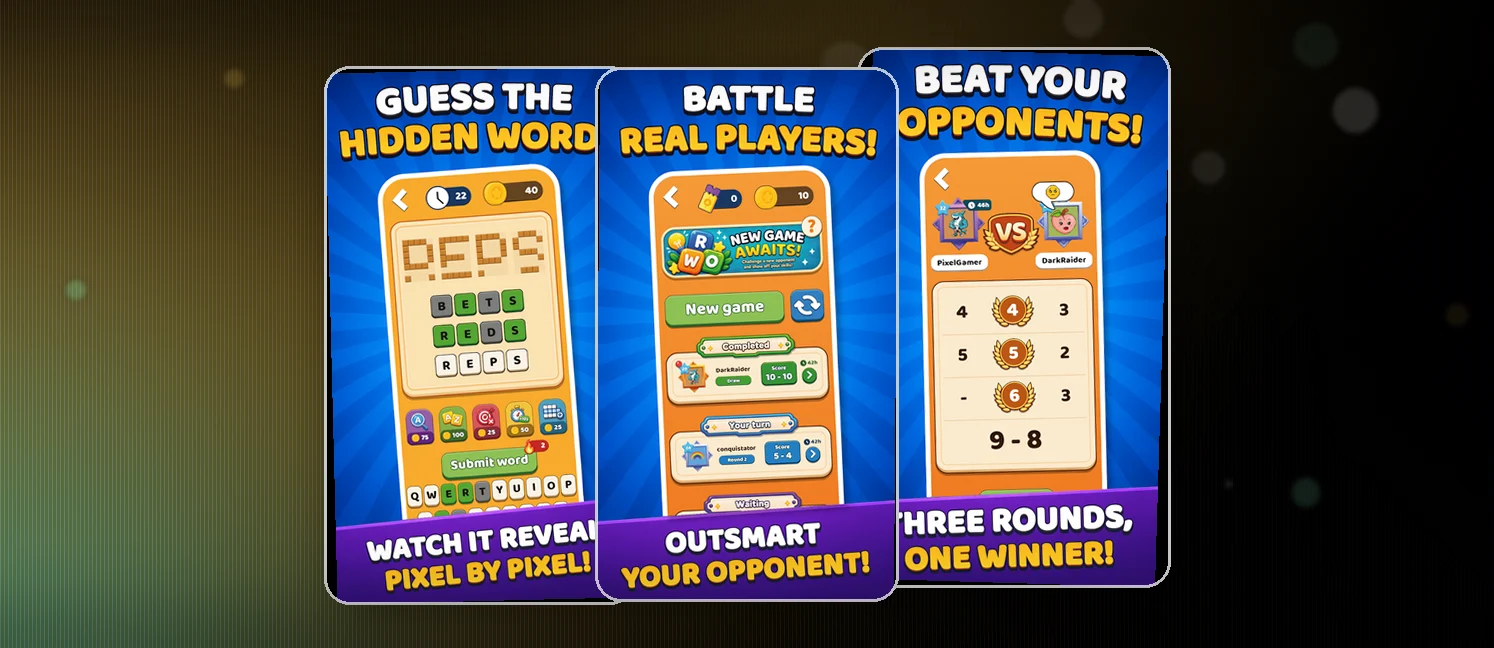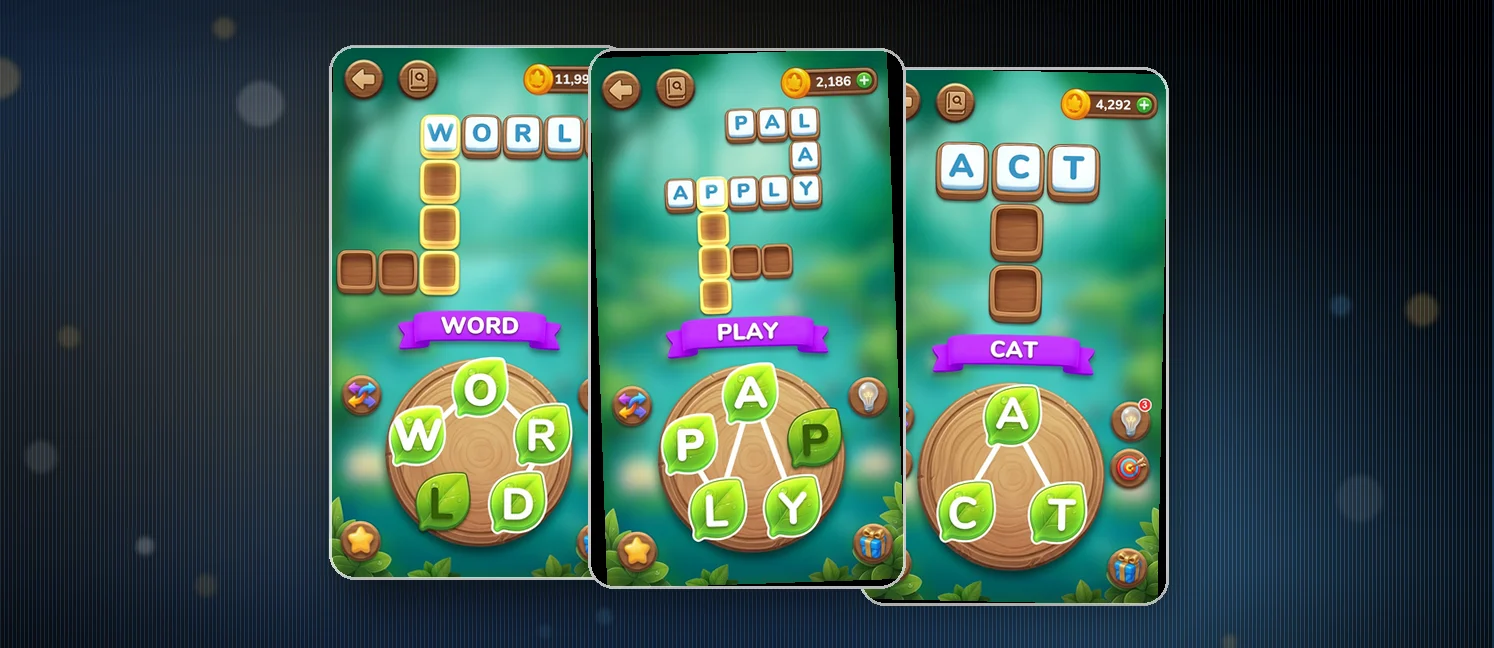
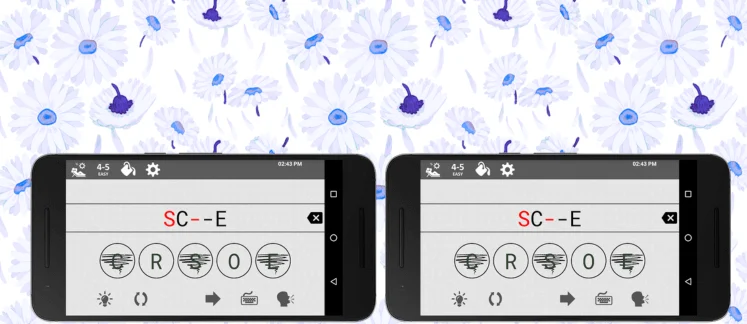
If you're a fan of brain-teasing word games, Jumble Classic is a must-have on your Android device. It’s lightweight, offline-friendly, and perfect for casual or competitive play with family and friends. Best of all, it’s completely free to play.
At a glance
- Platforms
- Android
- Players
- Single-player
- Language
- English
- Cost
- free
- Offline
- Yes
- Daily puzzle
- No
- Best for
- Casual
What we liked
- Free to play
- Playable offline
How to win?
Victory in this game lies in your ability to unscramble the given letters to form a valid word. There's no guesswork here—you must use every single letter to discover the correct word. The game offers instant feedback, so you know immediately if you've nailed the solution. Each completed puzzle pushes your vocabulary and pattern recognition to the next level.
Rules
- Use all letters shown in the scramble.
- Rearranged words must be valid dictionary words.
- You can skip and return to puzzles anytime.
- No timers – play at your own pace.
Scoring Pattern
While this game doesn’t operate on a traditional points system, your progress is tracked by how many jumbles you solve. With thousands of puzzles available, the fun truly is unlimited. The more you play, the more advanced the puzzles become—testing your skills without overwhelming new players.
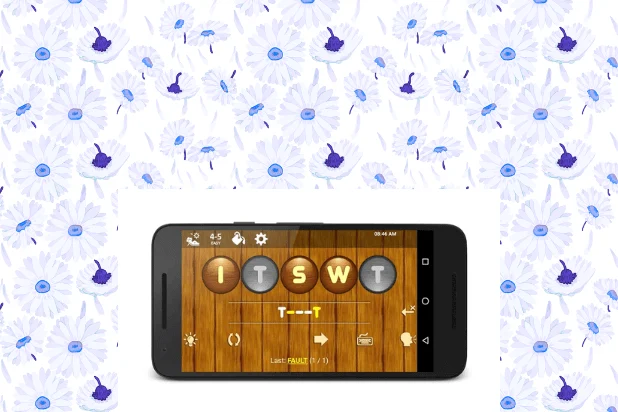
How to Set Up the Game
Getting started is simple:
- Visit the Google Play Store.
- Search for Jumble Classic
- Install the app
- Launch the game and start solving!
- No registration, no permissions required.
FAQ
Can I track my progress?
Yes, the app automatically saves your progress as you play.
Tips from the Geeks
- Look for common prefixes or suffixes like “ing”, “ed”, or “pre”.
- Write down the letters physically—it can help you spot the word faster.
- Don’t rush! Take breaks and return with a fresh mind.
- Use an online dictionary to learn new word meanings and pronunciation directly through the app.