Crossword Quest is a free, offline-capable word-cross puzzle from Italic Games, rated 4.7 with over 10 million installs. It is easy to pick up, genuinely relaxing, and a real favorite among seniors. The honest trade-off is monetization: frequent ads, and a few that can freeze the game.
At a glance
- Developer
- Italic Games
- Platforms
- Android
- Players
- Single-player
- Language
- English
- Cost
- free
- Offline
- Yes
- Daily puzzle
- Yes
- Best for
- Casual
What we liked
- Free to download and play, online or offline
- Relaxing, low-pressure gameplay that suits all ages
- A standout favorite with older players and seniors
- Good for building spelling and vocabulary in kids
What we didn't
- Frequent ads interrupt the flow
- Some ads can freeze the game and force a restart
- Android only
What is Crossword Quest?
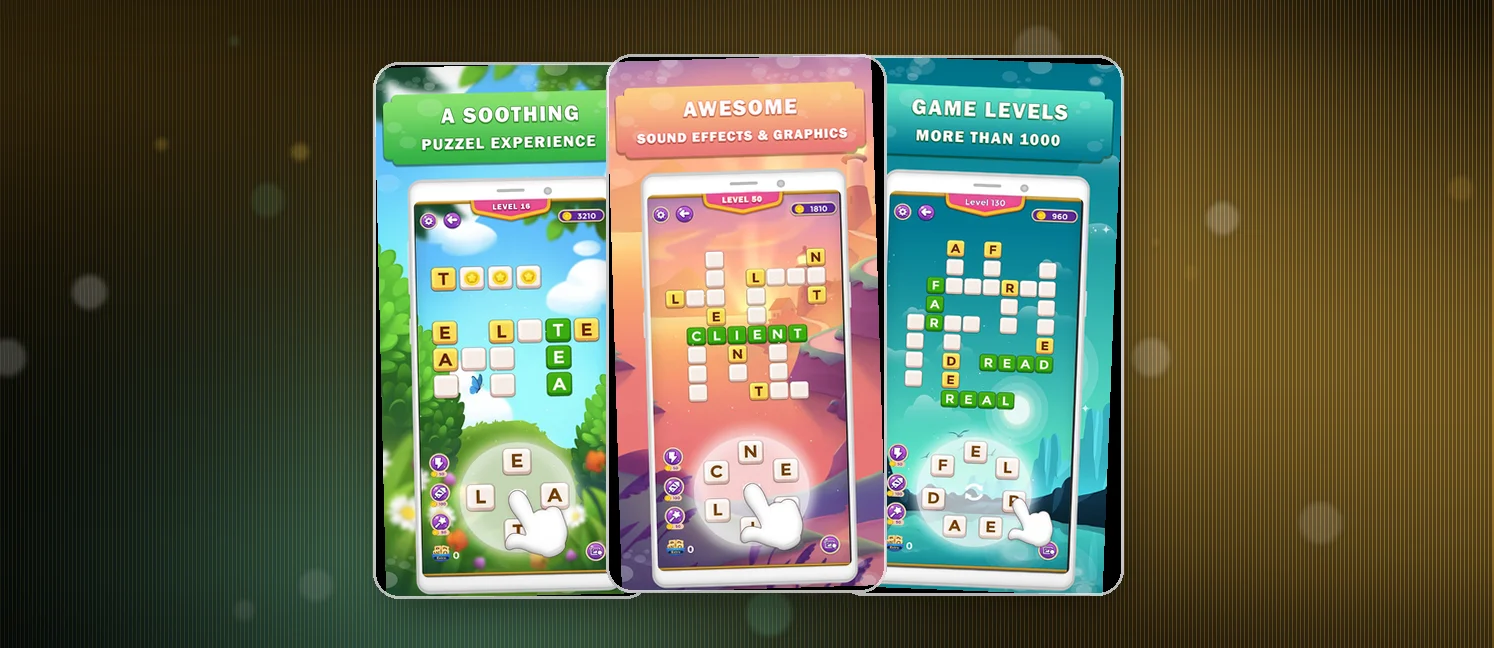
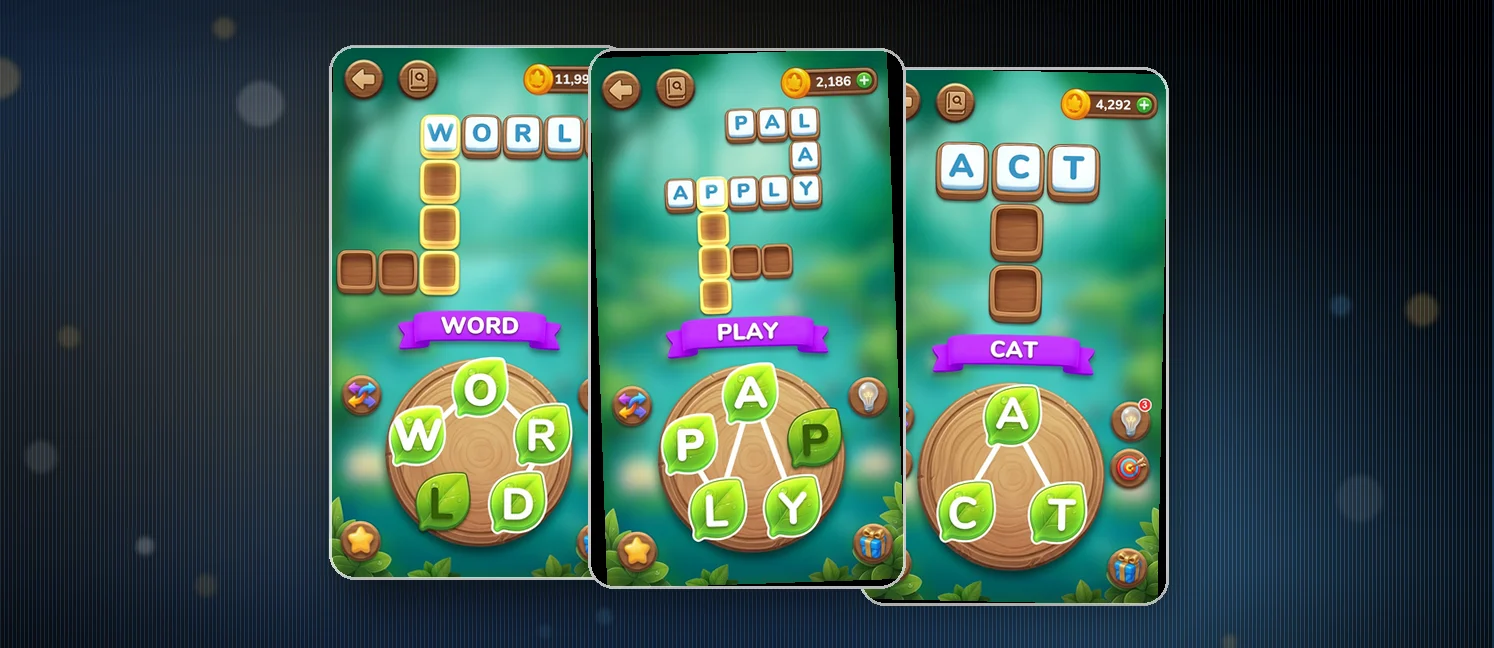
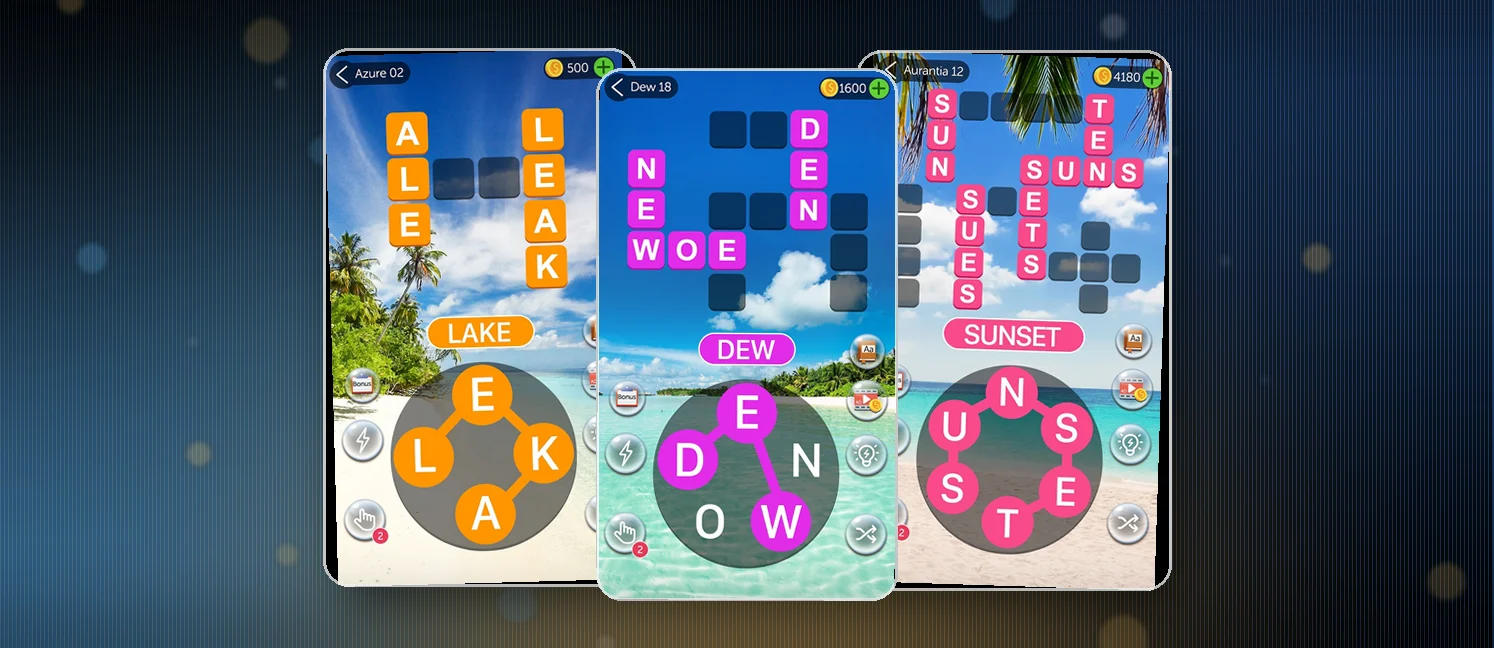
Crossword Quest is a free Android word-cross puzzle from Italic Games, holding a 4.7 rating with more than 10 million installs. Instead of filling a grid with written clues, you swipe across a board of letters to find hidden words. The studio calls it a cross between the word games you already love, and that swipe-to-select feel backs the claim up.
The game starts easy and nudges the challenge up as you climb through thousands of levels set in themed worlds. It runs fully offline or online, so it works in a low-signal spot or on a commute. Custom themes and high-resolution backgrounds unlock as you go, and a Daily Challenge adds fresh puzzles plus bonus coins.
How to win?
You win by finding every hidden word on the board to clear the level and advance to the next. You only need to spot the words the puzzle targets, but anything extra you catch brings bonus rewards.
- Swipe continuously over letters in sequence to spell a word
- Clear all required hidden words to finish the level
- Hunt extra words beyond the required list for bonus rewards
Rules
The mechanics stay friendly for newcomers. Letters sit on a grid, and you trace out valid words with a single continuous swipe.
- Words form only from adjacent letters you swipe in order
- Each word you clear earns coins toward your progress
- The Daily Challenge adds extra puzzles and bonus coins
- Progress carries across thousands of levels in themed worlds
- Play works offline as well as online
Scoring Pattern
Coins roll in per word rather than per letter, so the puzzle quietly rewards looking beyond the obvious finds. Bigger and rarer words tend to pay out more.
- Every word you submit earns coins toward progression
- Bonus words beyond the required list bring extra rewards
- Daily Challenge coins reward you for regular play
- Later levels demand longer words and sharper spotting

What Players Say
The mood in the reviews leans strongly positive, with roughly 80% of players leaving four or five stars. The standing praise centers on mental sharpening. Several reviewers in their mid-70s and late 80s say the game keeps their minds active and focused, and at least one calls it a must for seniors. Parents flag it as a spelling aid for kids, and multiple players mention the relaxing pace and clean graphics.
The complaints cluster around monetization. A handful of players report too many ads, and one describes a specific ad that freezes the game and forces a full restart, with rewards not always registering. That ad fatigue pushes some players away even when they love the puzzles themselves.
How to Set Up the Game
- Grab it free from the Google Play Store
- Launch the app and tap through the first guided levels
- Toggle offline mode for play without a connection
- Open the Daily Challenge whenever it resets for bonus coins
- Unlock themes and backgrounds as you clear early worlds
FAQ
Is Crossword Quest free?
Yes, it is free to download and play. It does carry ads, and that is the most common complaint in the reviews. A few players have also hit ads that freeze mid-play, so expect the occasional interruption.
Can I play Crossword Quest offline?
Yes. The game advertises offline play and runs without a connection, which is handy for commutes and low-signal spots. Online play is available too when you want it.
Is Crossword Quest good for kids?
Reviewers describe it as a good way for kids to practice spelling and vocabulary. The simple swiping controls make it easy to pick up, though the ads are worth keeping an eye on for younger players.
Tips from the Geeks
- Keep swiping in one smooth motion; pausing mid-path can break your selection
- Scope out bonus words before you clear a level to grab extra coins
- Try common prefixes and suffixes when you get stuck on a word
- Look for clusters of vowels to unlock words you have not spotted
- Check the Daily Challenge every day to stack bonus coins